Golden Crown App Download for Android and iOS in Australia
The Golden Crown app gives players access to the Golden Crown casino online lobby from the home screen of an Android or iOS device. The app is installed from the browser through the Install App menu item and covers the casino, Live Games, payments and support. The interface is in English. Visa, Mastercard and Bitcoin are among the payment methods.
The welcome offer is 100% up to AUD 15,000 + 300 free spins with bonus code CROWN1. The minimum deposit is AUD 45.
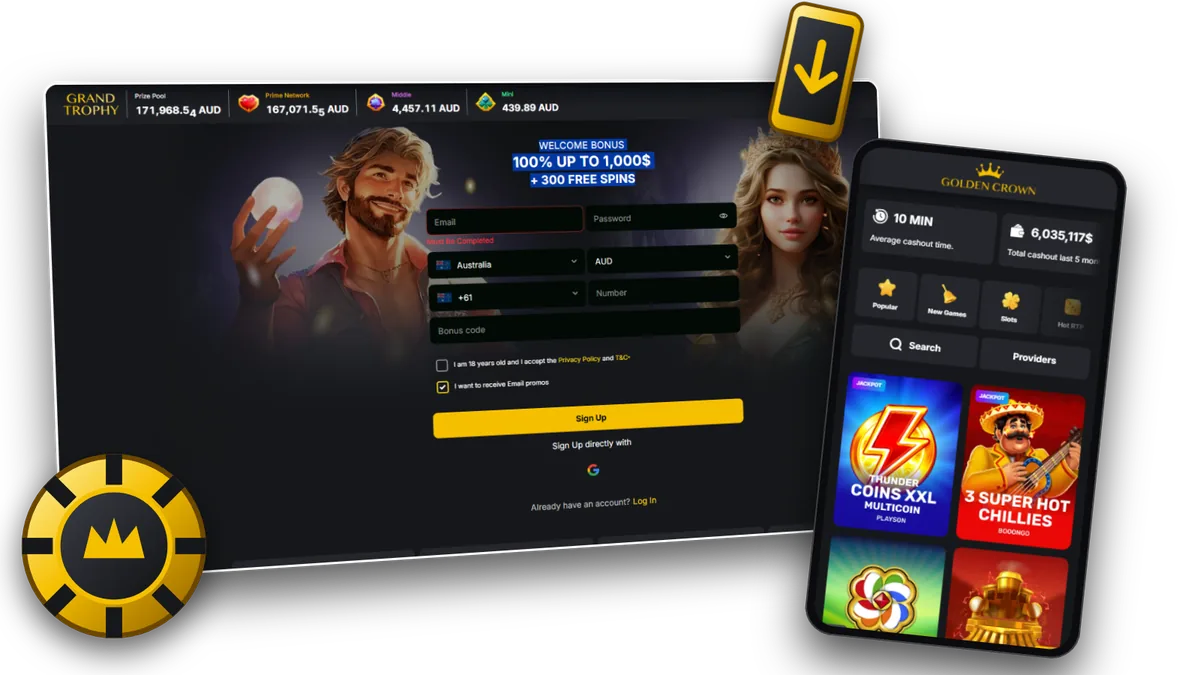
Golden Crown App at a Glance
The app is the casino website added to the home screen of a phone or tablet. The table lists the main technical and account details.
| Parameter | Information |
|---|---|
| App Name | Golden Crown |
| Developer / Operator | Metlait SRL, Costa Rica |
| Licence | Licence No. 0000064 issued by the Tobique Gaming Commission |
| Installation | Install App menu item in the site header |
| Interface Languages | English |
| Supported Currencies | AUD, selected in the registration form |
| Sections | Casino lobby, Live Games, Payments, Support |
| Welcome Offer | 100% up to AUD 15,000 + 300 free spins, code CROWN1 |
| Availability in Australia | The casino website asks visitors to confirm access from outside Australia |
Golden Crown App Advantages and Limitations
The app combines the full casino lobby with installation from the browser. The limitations relate to game range and access terms.
Pros
- Install App menu item and download icon in the site header;
- 10,000+ licensed games with search and category filters;
- Visa, Mastercard, MiFinity, Paysafecard and crypto through CoinsPaid in the cashier;
- Average cashout time of 10 min reported on the site;
- Live Chat available from the menu.
Cons
- Casino only, with no sports section;
- English is the only interface language listed;
- Installation depends on the browser, such as Chrome on Android and Safari on iPhone and iPad;
- The casino website asks visitors to confirm access from outside Australia.
Golden Crown App for Android
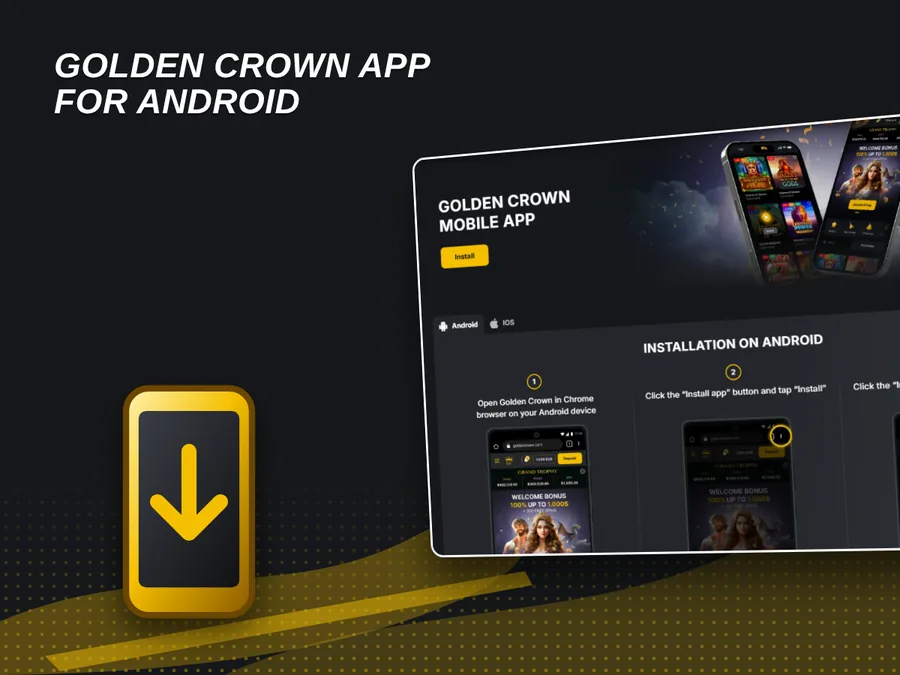
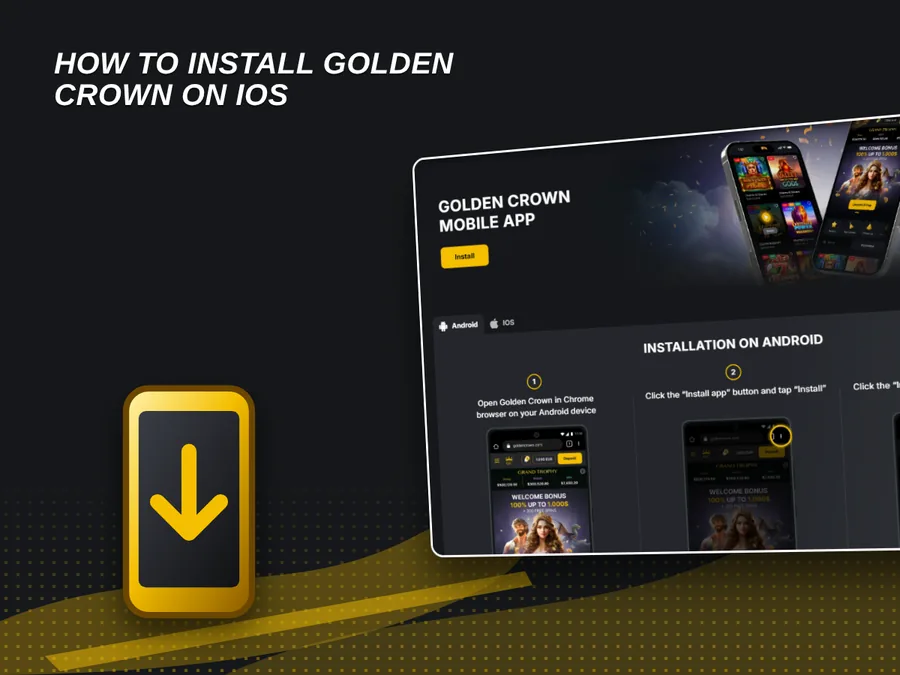
The Android version is a web app installed through the browser. The Install App page has separate Android and iOS tabs, and after installation the app opens from its own icon on the home screen.
How to Install the Golden Crown App on Android
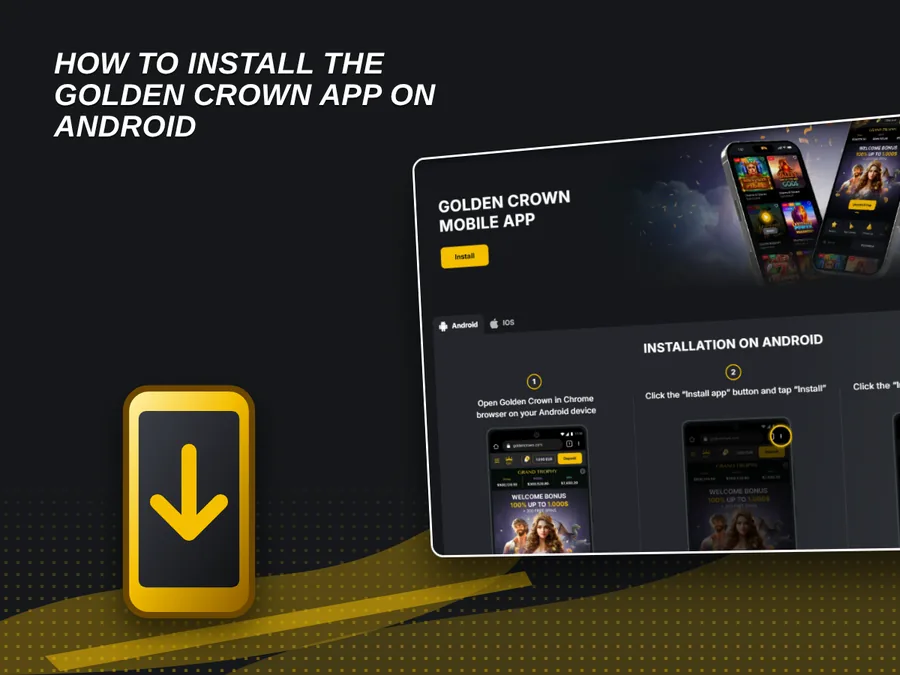
Installation runs through the browser as a web app. The steps apply to Android phones and tablets.
- Open the site in Chrome. Open Golden Crown in the Chrome browser on the Android device.
- Open the browser menu. Tap the three dots and choose Install app.
- Tap Install. Confirm the prompt and wait for the icon to appear on the home screen.
- Launch the app. Tap the icon and log in with email and password.
Golden Crown App for iPhone and iPad
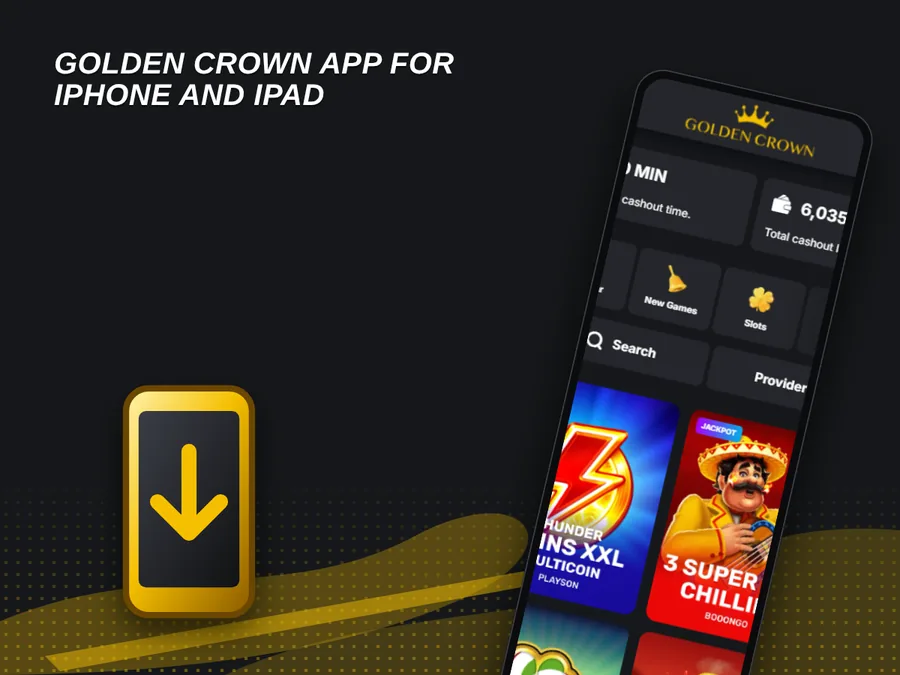
The Install App page has an iOS tab. Installation on iPhone and iPad is done from the browser, and the casino then opens as a web app from the device.
How to Install Golden Crown on iOS
The iOS installation is done from the browser. The Install App page has an iOS tab with the instructions for the device.
- Open the site. Open Golden Crown in the Safari browser on the iPhone or iPad.
- Open the Install App page. Use the Install App item in the site header and select the iOS tab.
- Follow the instructions. Complete the steps shown in the iOS tab.
- Sign in. Open the casino from the device and log in with email and password.
Golden Crown App Installation Issues and Fixes
The table lists common installation issues and their fixes.
| Issue | Likely Cause | Solution |
|---|---|---|
| Install App option is missing | Browser does not support installation | Open the site in Chrome on Android or in Safari on iPhone. |
| Icon is not on the home screen | Installation prompt was not confirmed | Repeat the steps and approve the prompt. |
| Page does not load | Weak or interrupted connection | Switch between Wi-Fi and mobile data, then reopen the app. |
| App shows an outdated page | Old data stored by the browser | Close the app, clear browser data and reopen it. |
Live Chat support is available if an issue persists.
Registration in the Golden Crown App
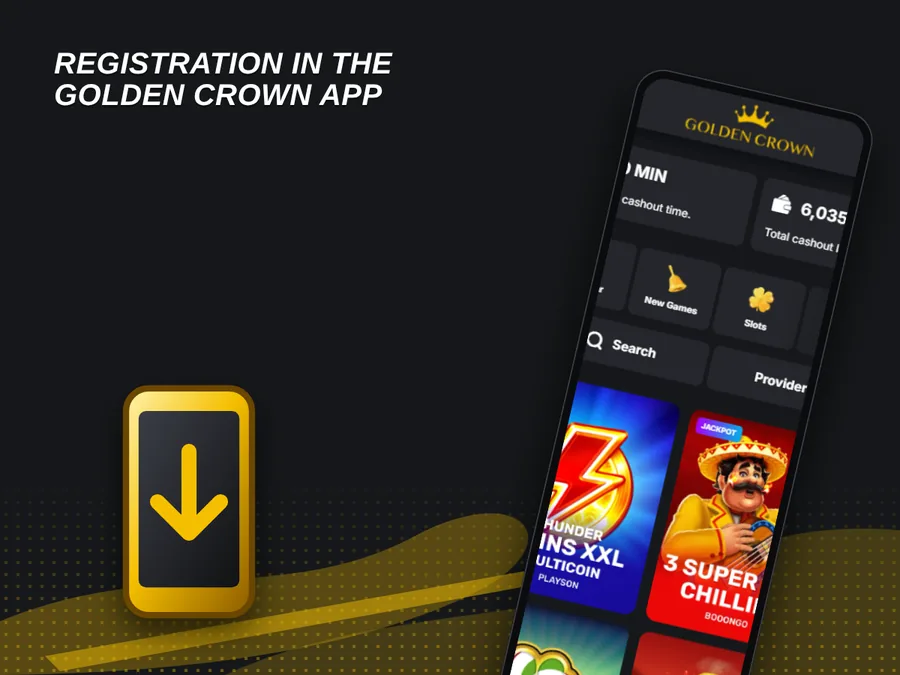
A new account is created directly in the app. Full instructions are on the Golden Crown register page.
- Launch the app. Tap the home screen icon.
- Open the form. Press Sign Up to open the registration form.
- Enter the details. Fill in Email, Password, Country (Australia), Currency (AUD), phone code +61 with the number, and the Bonus code. Google sign up is offered as an alternative.
- Confirm age and terms. Tick the checkbox for age 18+ and for the Privacy Policy and T&C.
- Finish. Press Sign Up. A separate box allows email promotions.
Golden Crown App Welcome Bonus in Australia
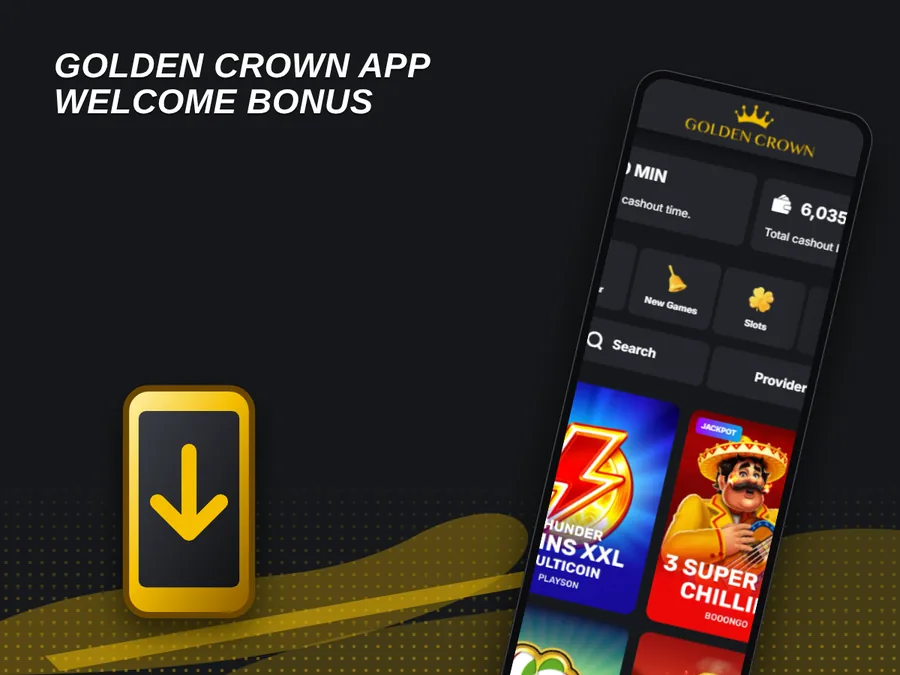
New accounts registered in the app receive the same welcome offer as on the website. The first deposit bonus carries the code CROWN1.
| Bonus Term | Value |
|---|---|
| First Deposit Bonus | 100% up to AUD 15,000 + 300 free spins, code CROWN1 |
| First Deposit Terms | Minimum deposit AUD 45; wagering x40 on the deposit bonus and free spin winnings; maximum bet AUD 7 while wagering |
| Free Spins Schedule | 30 free spins per day for 10 days from activation on Bonanza Billion (BGaming); maximum free spin win AUD 225 |
| Highroller Bonus | 50% up to AUD 1,500, code HROLLER, minimum deposit AUD 450, wagering x40, 7 days to activate and 7 days to wager |
| Second Deposit Bonus | 75% match + 50 free spins, code GC75 |
| Third Deposit Bonus | 50% match |
| Crypto Bonus | 10% extra on crypto deposits |
| Wednesday Free Spins | Up to 100 free spins |
The bonus code is entered in the Bonus code field of the registration form. The Golden Crown welcome bonus page lists all current promotions.
Casino Games in the Golden Crown App
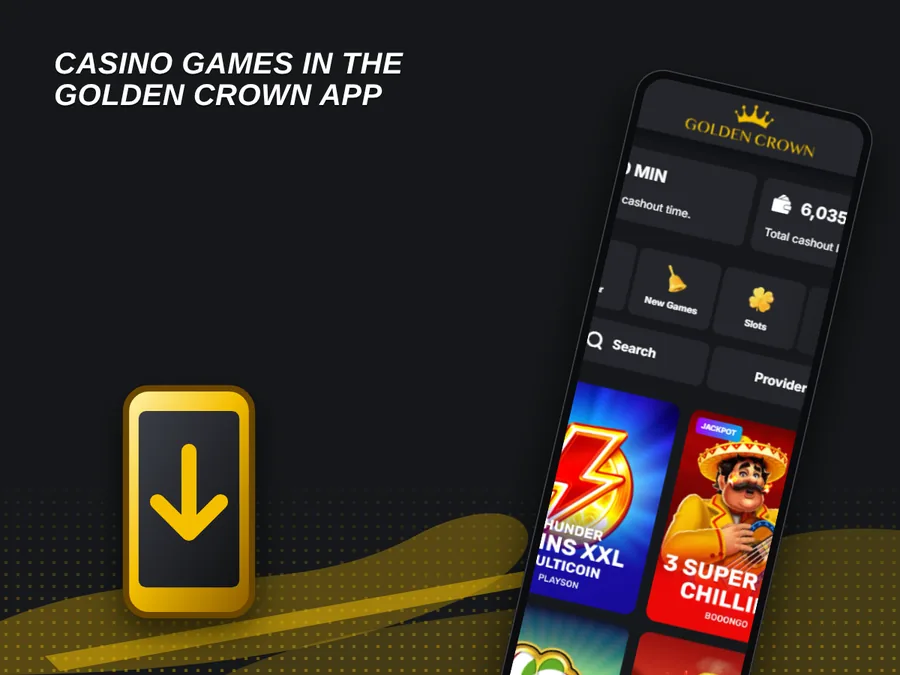
The lobby holds 10,000+ licensed games. A search field and category filters help find a title. The Golden Crown slot games page covers the slot range in detail.
- Slots: Coin Volt: Charge and Strike (Neverending), Eagle's Gold (Zillion) and Elvis Frog Trueways (BGaming);
- Hot RTP and Exclusive: separate lobby categories for selected titles;
- Bonus Buy: category for games with a bonus round purchase option;
- Table Games and Crash Games: separate categories in the lobby;
- Originals: separate category in the All Games lobby;
- Live Games and Roulette: dedicated categories for live dealer play.
Golden Crown App Payments in Australia
The balance is managed in the cashier of the app. The same methods are shown in the website footer. More details are on the Golden Crown deposit page.
- Visa: card payment option;
- Mastercard: card payment option;
- MiFinity: digital wallet option;
- Paysafecard: prepaid voucher option;
- Bitcoin: crypto option through CoinsPaid;
- Bitcoin Cash, Ethereum, Litecoin, Dogecoin and USDT: crypto options through CoinsPaid.
The site reports an average cashout time of 10 min. Identity verification with a passport or driving licence and proof of address may be requested before the first withdrawal.
Golden Crown App vs Mobile Website
The casino is used through the app or through the mobile browser, with the same account and balance.
| Criteria | App | Mobile Website |
|---|---|---|
| Installation | Install App menu item or Add to Home Screen | No installation, opened by address |
| Launch | Icon on the home screen | Browser tab or bookmark |
| Account and Balance | Same account and balance | Same account and balance |
| Device Compatibility | Chrome on Android, Safari on iPhone and iPad | Any modern mobile browser |
| Games and Cashier | Full lobby and cashier | Full lobby and cashier |
The app suits frequent sessions started from the home screen. The mobile website suits occasional visits from any device.
Golden Crown App Customer Support
Support is reached from the app menu through Live Chat. Other channels are listed in the table below. No phone line is listed.
| Channel | Availability |
|---|---|
| Live Chat | Site and app menu |
| support@goldencrowncasino.com | |
| FAQ and Support | Help section of the site |
| X, Instagram, Telegram, WhatsApp | Social links on the site |
FAQ
Does the Golden Crown app need a separate account?
No. The app is the casino website on the home screen, so the same email and password work in the browser and in the app. One account covers both.
Can one account be used on several devices?
The app can be installed on each device through the same Install App flow. Login uses the same email and password on every device.
How is the app removed?
Press and hold the icon on the home screen and choose the remove option of the device. The account and balance stay unchanged.
Is the app listed in Google Play or the App Store?
The casino website refers only to the Install App menu item in the header. No store link is listed.
Does the app include a sports section?
No. The app offers the casino lobby, Live Games, payments and support. The casino website has no sports menu.